Before you start, make sure you have the Owner or Manager role. Booking rules are set per location.
1. Services and opening hours
Clients only see services with a duration and a price, and only times within your opening hours and your team’s shifts.
- Open Catalogue › Services and check the duration and price.
- Open Business › Opening hours.
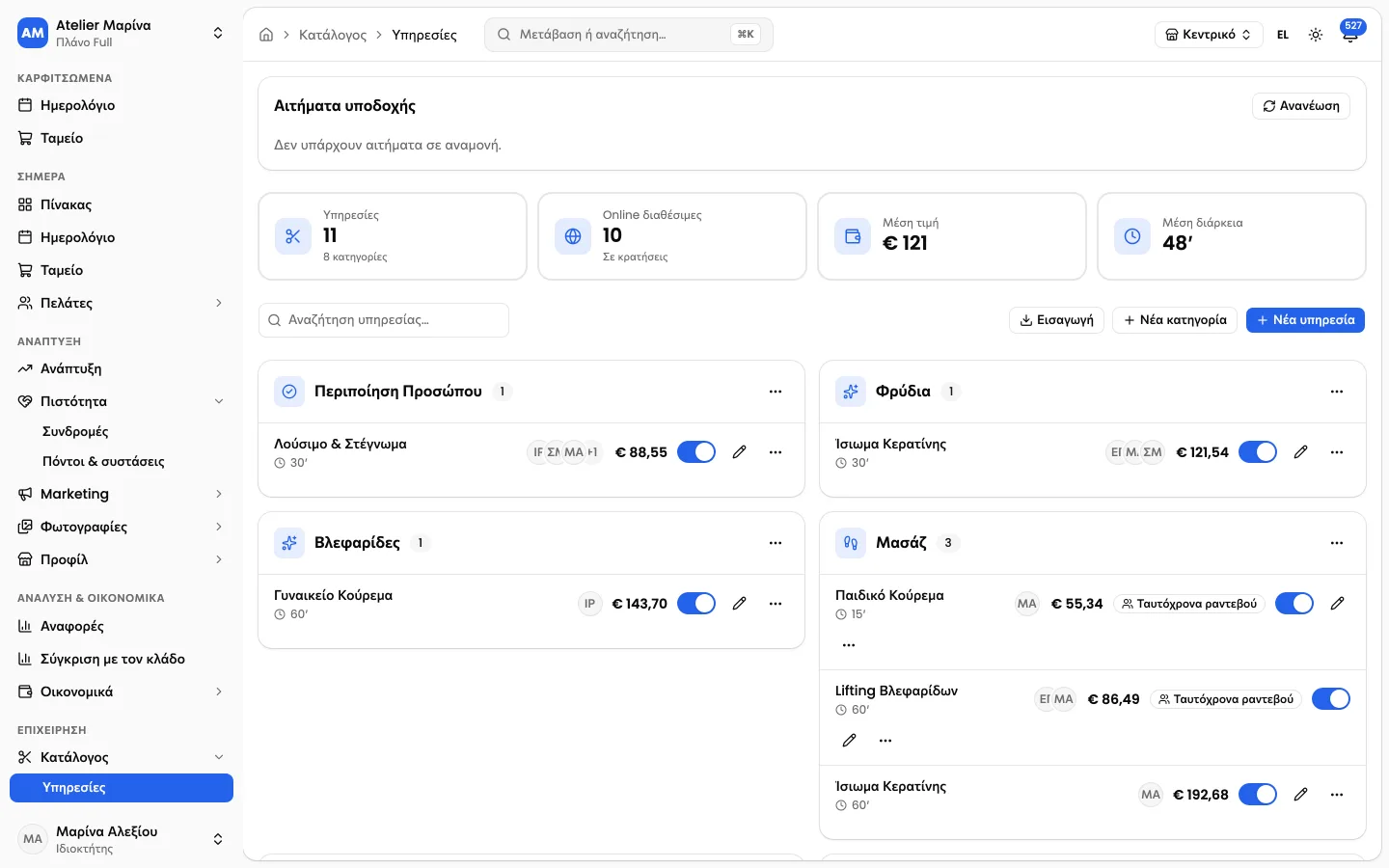
2. Booking rules
In Settings › Online bookings you choose whether appointments are confirmed straight away or wait for approval, how far ahead clients can book and how late they can cancel.
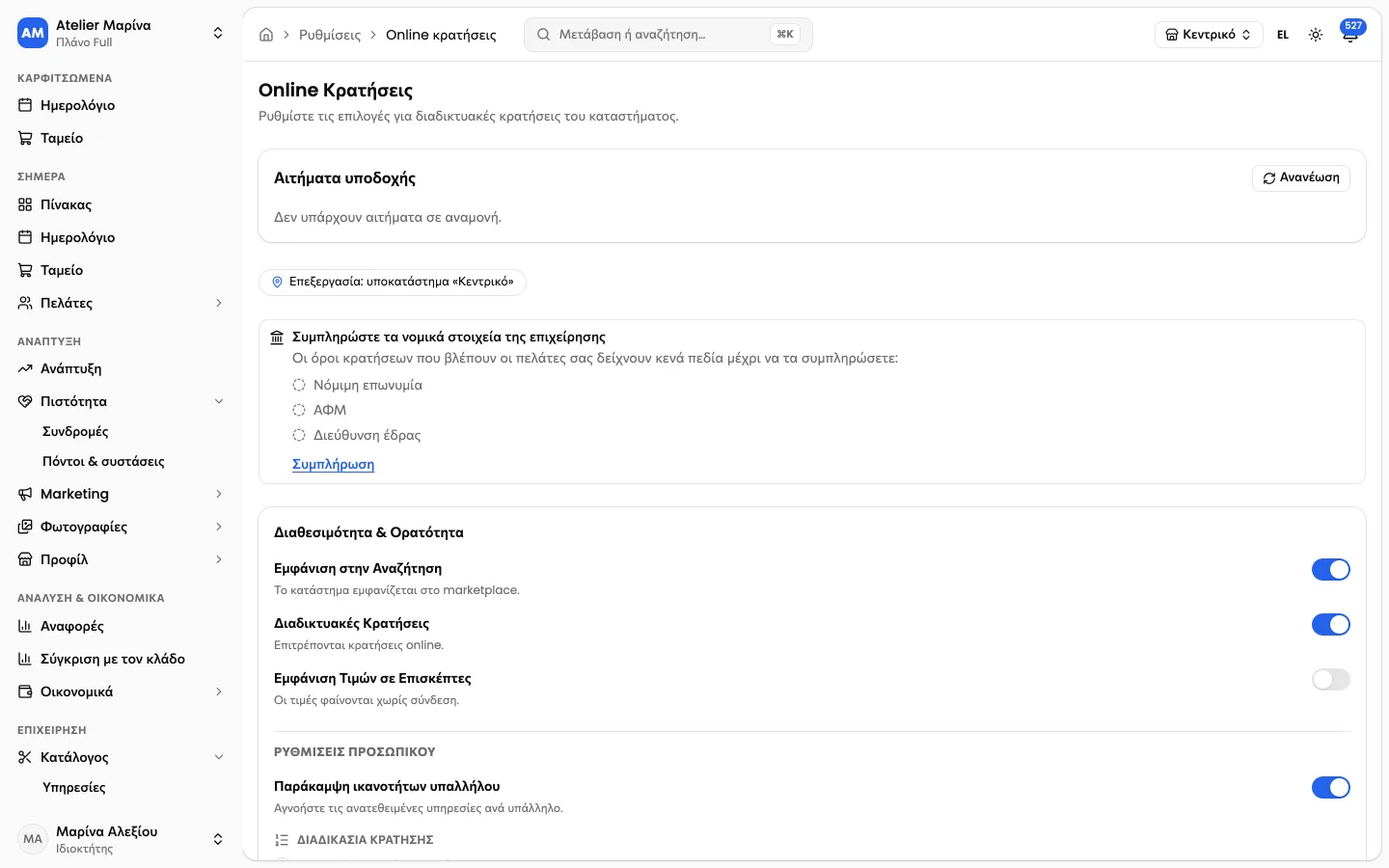
Tip: if you’re just starting, keep approval on for the first week. You’ll see how your clients book before you make it automatic.
3. Link and widget
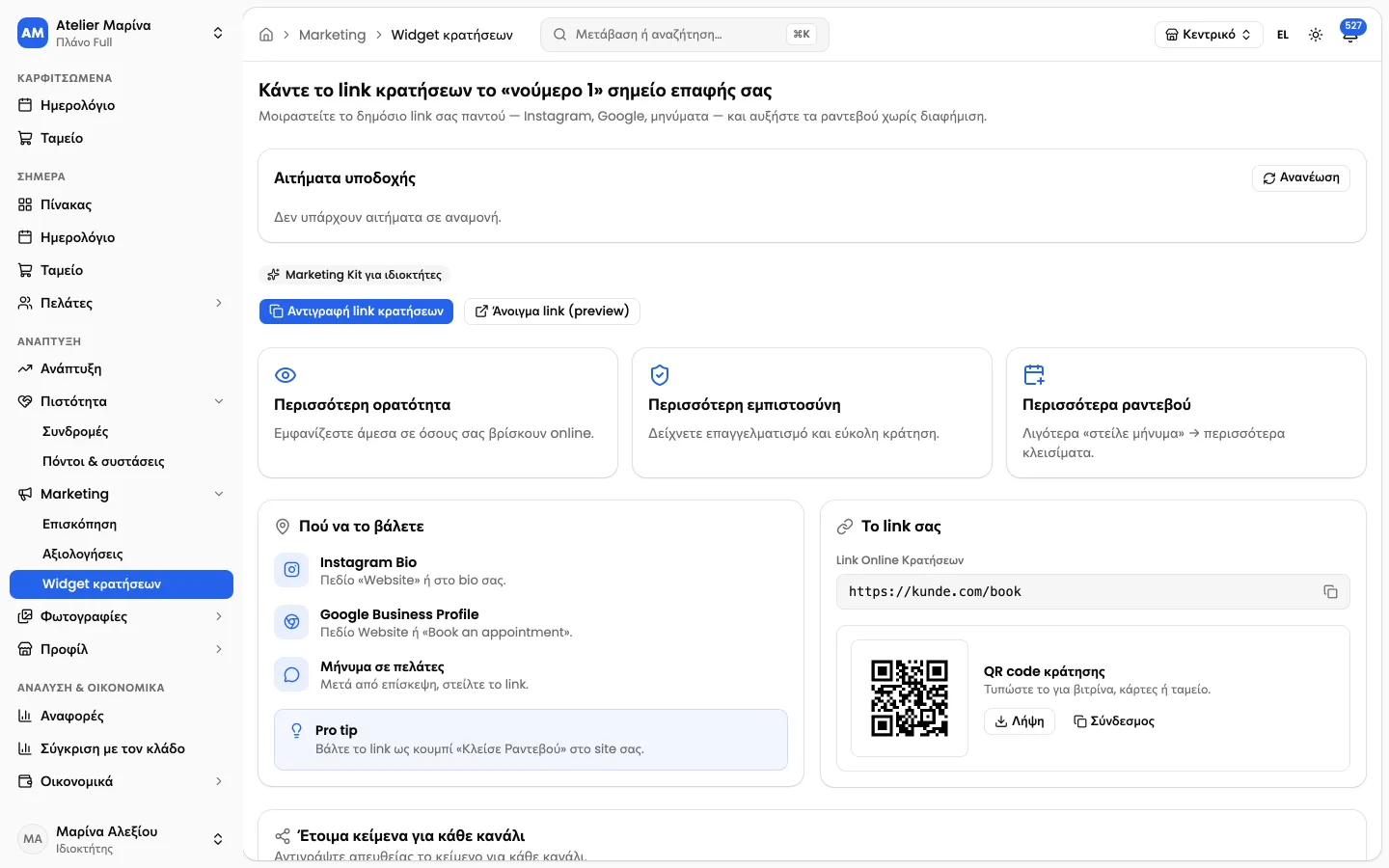
In Marketing › Booking widget you’ll find your page link and the widget code for your website.
Was this helpful?
Related articles
- Booking rules per location
- How do I add the widget to my website